Taxes
Set your tax rates, the default rate for new products and whether your prices include tax.
-
Step 1 of 1
Your tax rates
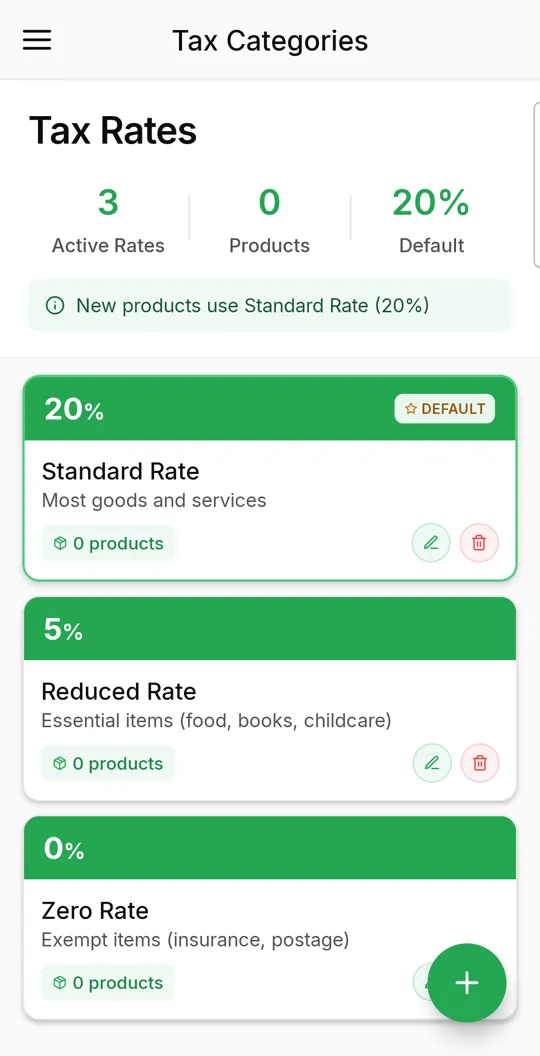
Open Settings › Tax Categories. Each rate shows its percentage and how many products use it; the default rate is used for new products. Tap Add for a new rate.
In Settings, the Prices include tax switch says whether the prices you type are what the customer pays (tax included, Numou works out the tax inside) or prices before tax (Numou adds the tax at the till). Set it once, before your first sales.