Shared store devices
Set up a phone or tablet that stays at the counter, where each employee signs in with their PIN.
-
Step 1 of 3
Open Devices
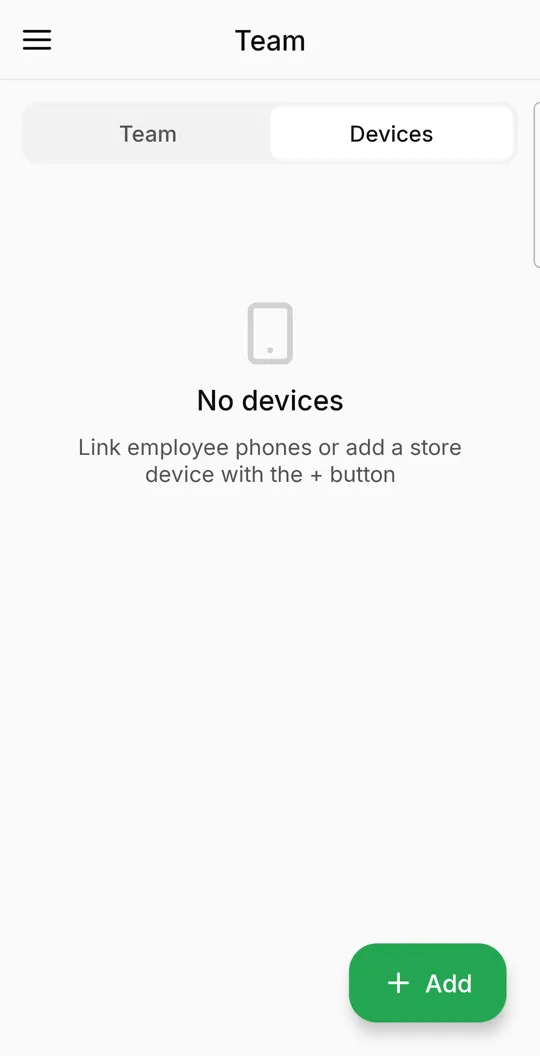
Open Team from the menu and the Devices tab. Tap Add.
-
Step 2 of 3
Name the device
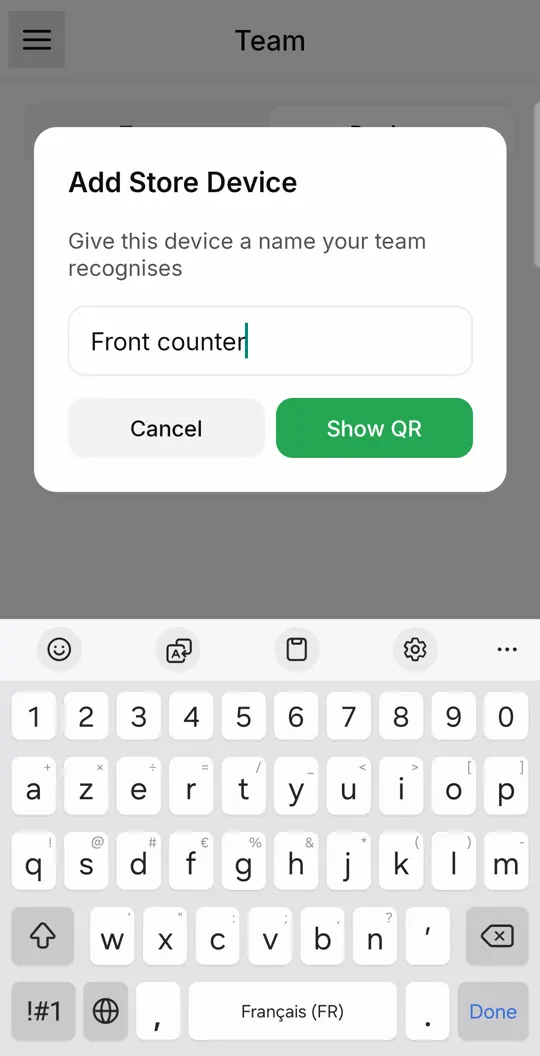
Give it a name your team recognises, like Front counter, and tap Show QR.
-
Step 3 of 3
Link it with the QR code
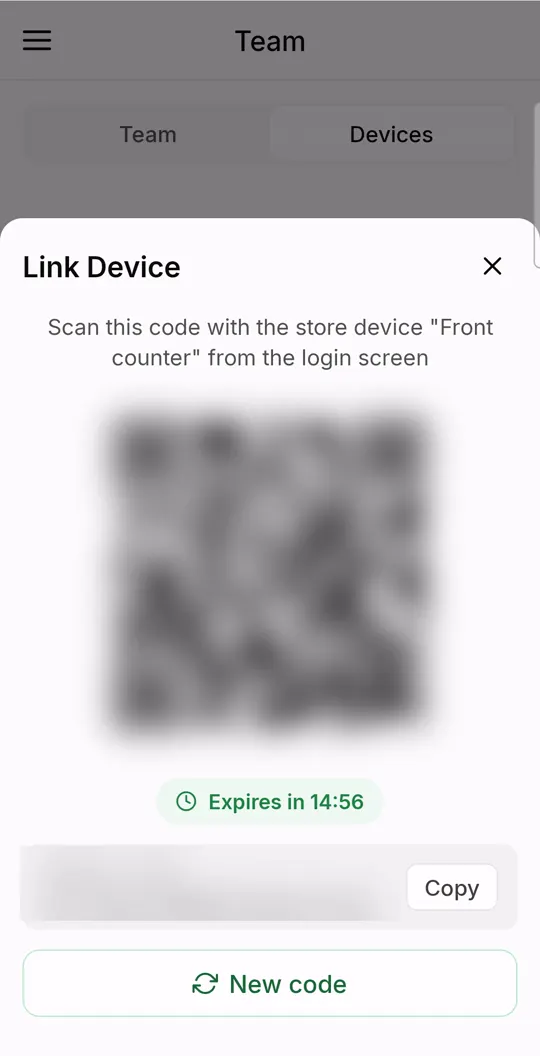
On the counter device, open Numou and tap Scan to join a store on the sign-in screen, then scan the code. The code is valid for 15 minutes; New code makes another. If scanning is not possible, copy the manual code.