Create your shop
Install Numou, sign in and set up your shop in about a minute: its name, what you sell, the country and the currency.
-
Step 1 of 3
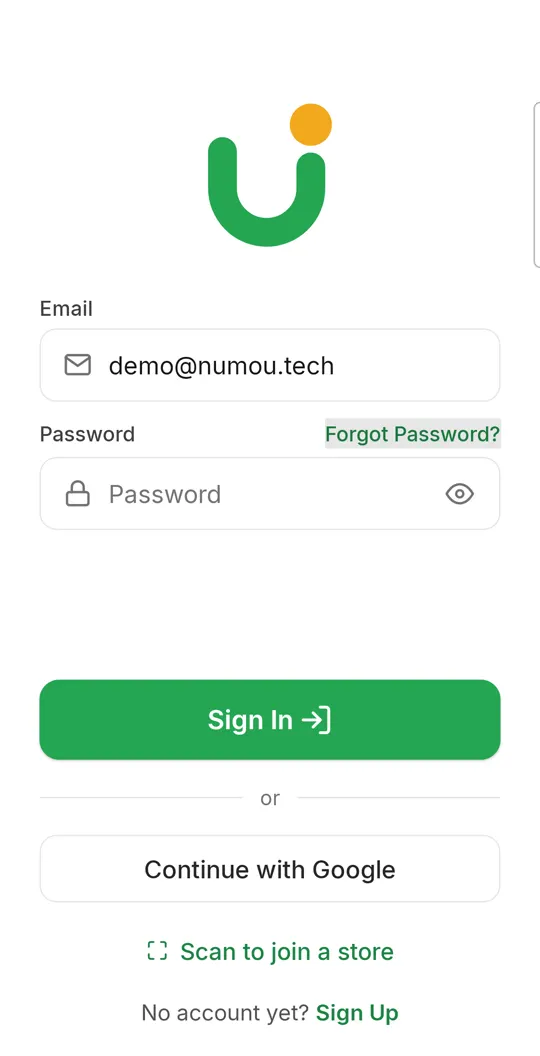
Install Numou and sign in
Get Numou free from Google Play and open it. Tap Continue with Google to use your Google account, or Sign Up to create an account with an email address and a password.
-
Step 2 of 3
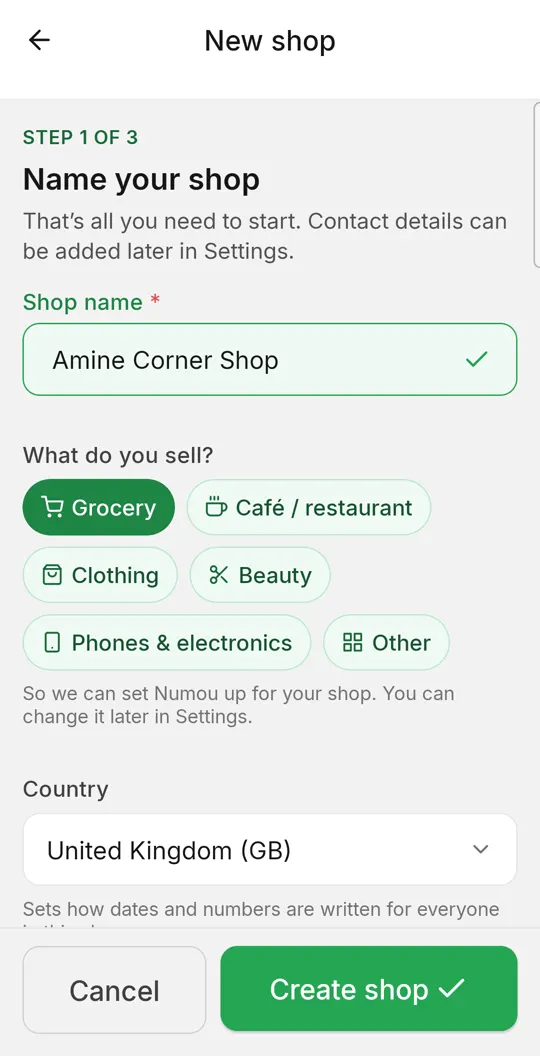
Name your shop
Type the name of your shop and pick what you sell. That is all Numou needs to start — the phone number and address are optional and can be added later in Settings.
-
Step 3 of 3
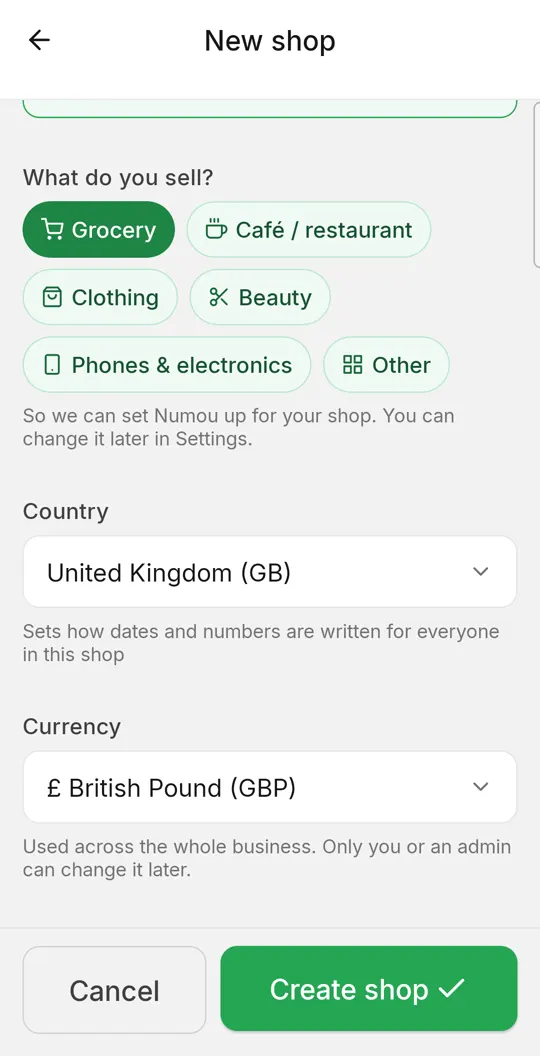
Check the country and currency
Numou picks a country for you; tap it to choose another. The currency follows the country. Check it now — later only you or an admin can change it. Then tap Create shop.
Numou then asks for your first products (step 2) and offers a practice sale (step 3) so you can try the till before a real customer. The next two guides show both.