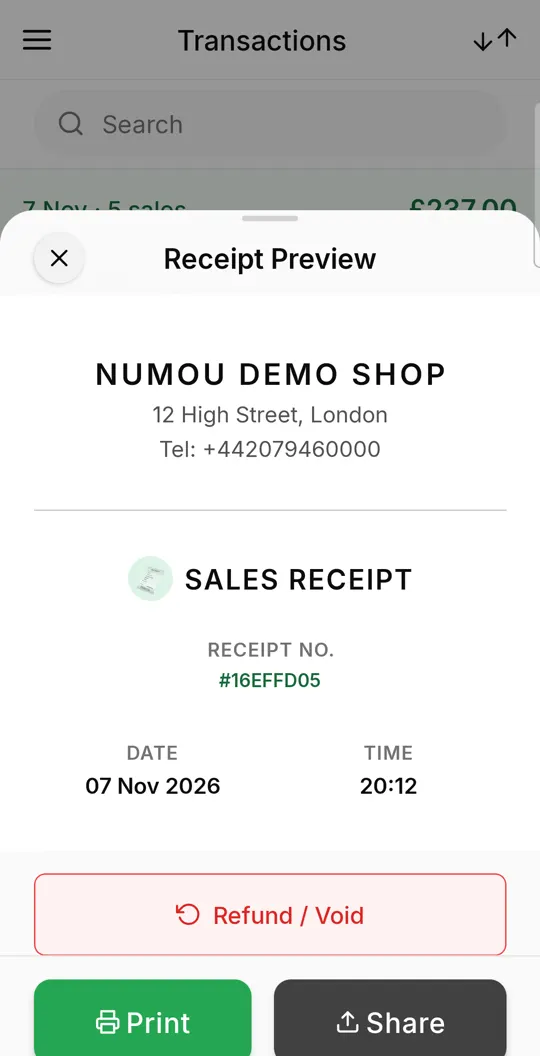
Receipts and Bluetooth printer
Connect a Bluetooth receipt printer, design your receipt with your logo and a footer, and print or share any receipt.
-
Step 1 of 3
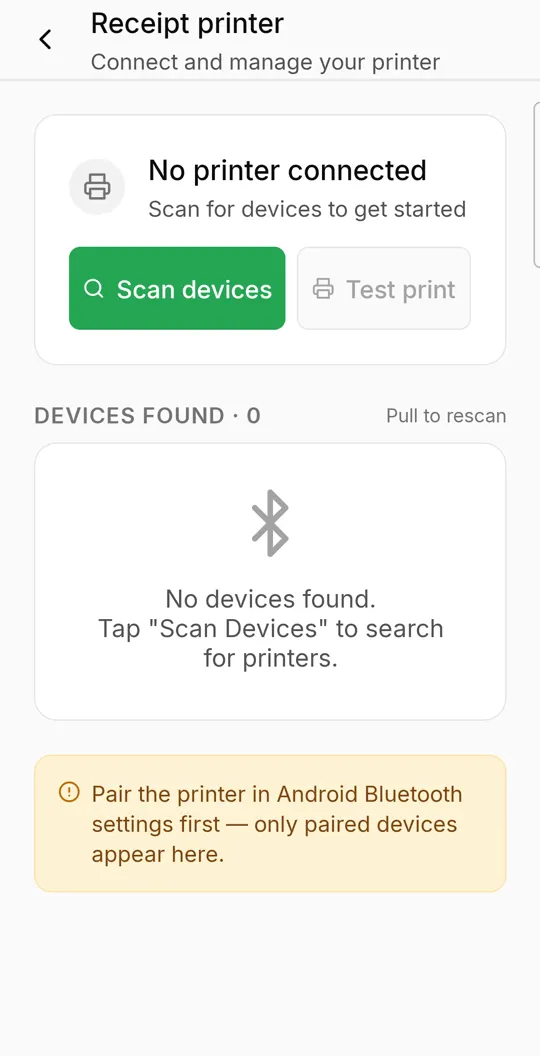
Connect the printer
First pair the printer in your phone’s Android Bluetooth settings. Then in Numou open Settings › Printer Settings, tap Scan devices, choose the printer and tap Test print.
-
Step 2 of 3
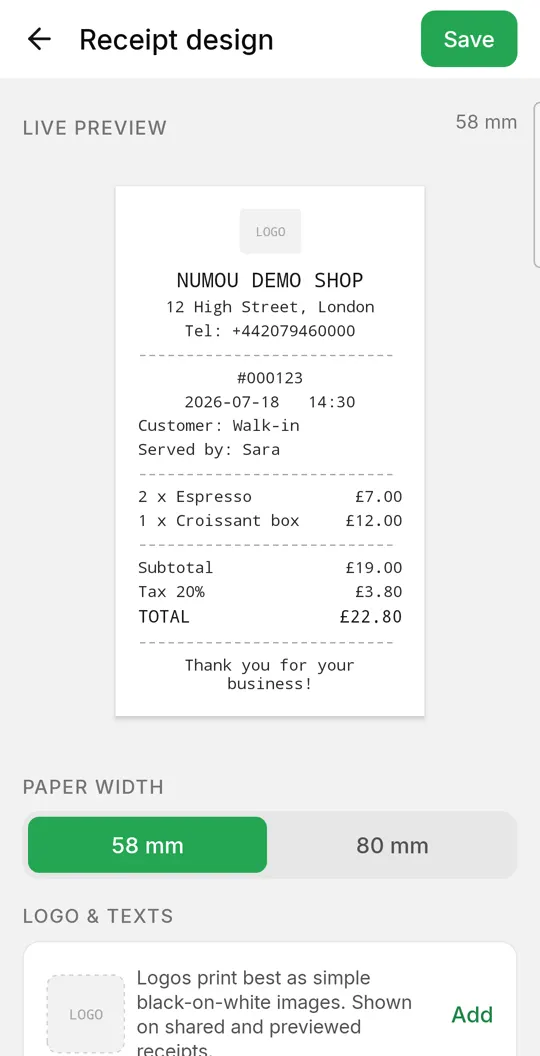
Design the receipt
Open Settings › Receipt design. Add your logo, a line under the shop name and up to two footer lines, choose what to print (address, phone, tax ID, cashier, tax breakdown) and the paper width, 58 or 80 mm. The live preview updates as you go. Tap Save.
-
Step 3 of 3
Print or share a receipt
After a sale, or later from Orders, open the receipt and tap Print receipt, or Share receipt to send it by WhatsApp, email or any app.