Add your staff
Give each employee their own sign-in, choose what they can do and let them use a PIN at the till.
-
Step 1 of 3
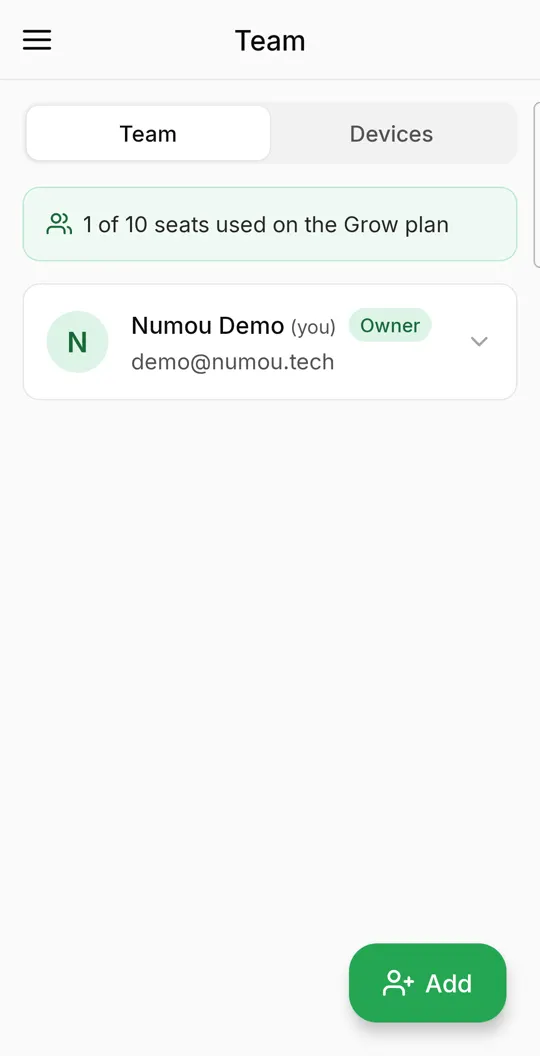
Open your team
Open Team from the menu. You see how many seats your plan has and who is on the team. Tap Add.
-
Step 2 of 3
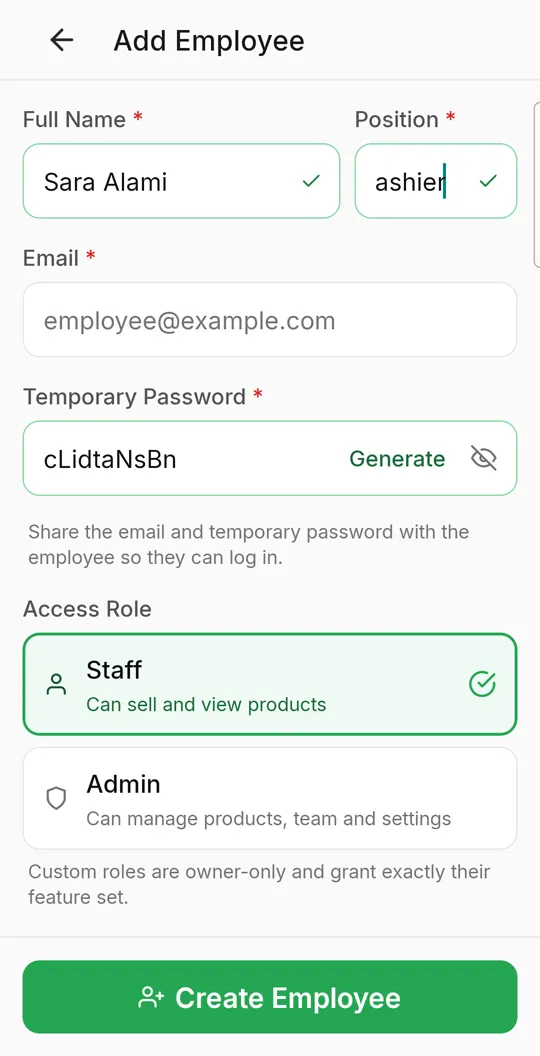
Create the employee
Enter the name, the position and an email. Tap Generate for a temporary password, pick an access role — Staff sells and sees products, Admin also manages products, team and settings — and tap Create Employee. Give the employee their email and temporary password.
-
Step 3 of 3
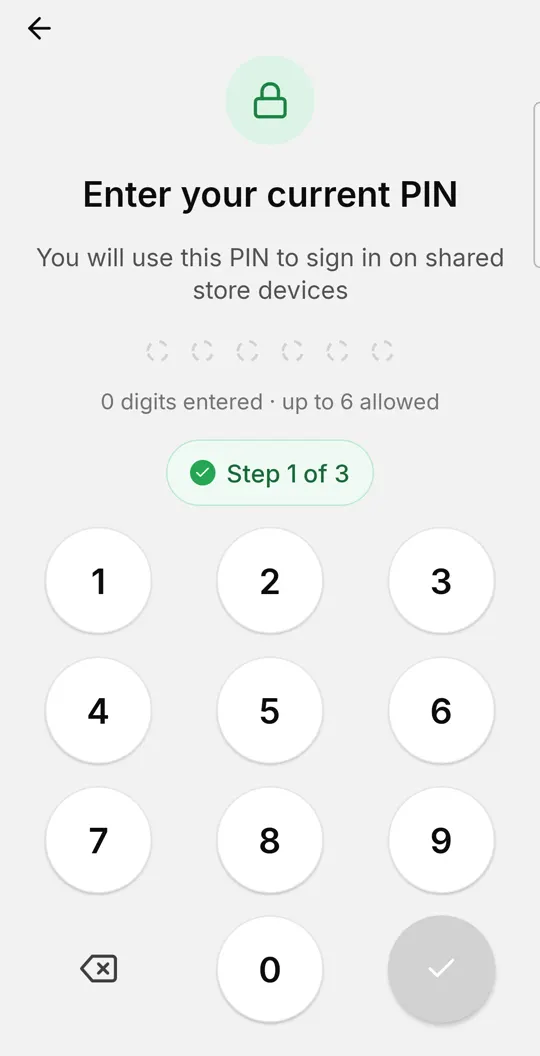
Each person sets a PIN
In Profile › Till PIN, everyone sets a PIN of up to six digits. It is how they sign in on a shared store device.