Customers
Save your regular customers, find their details and start a sale for them.
-
Step 1 of 3
Open a customer
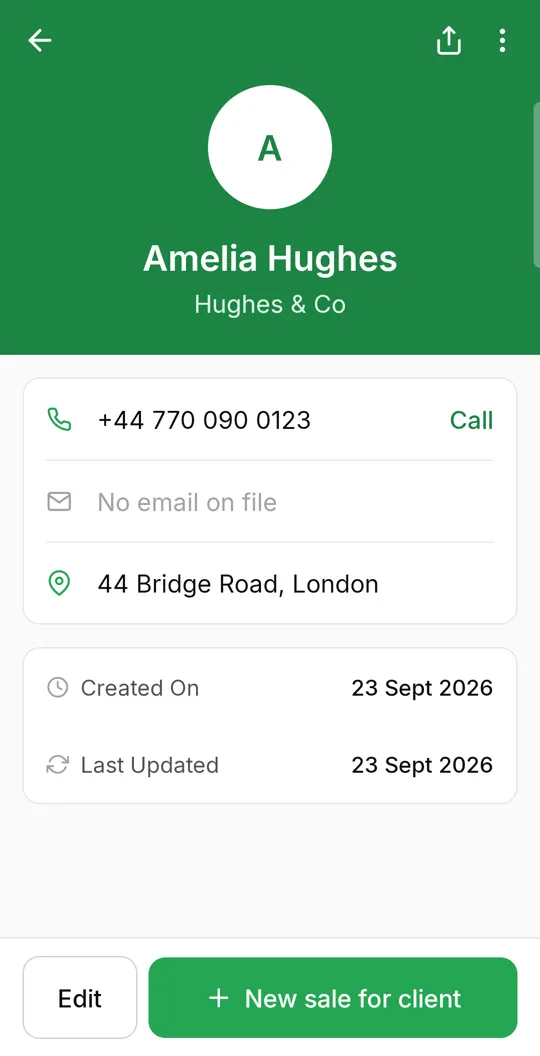
Open Clients from the menu and tap a customer to see their phone and address. Tap Call, or New sale for client to open the till with them already on the sale.
-
Step 2 of 3
Add a customer
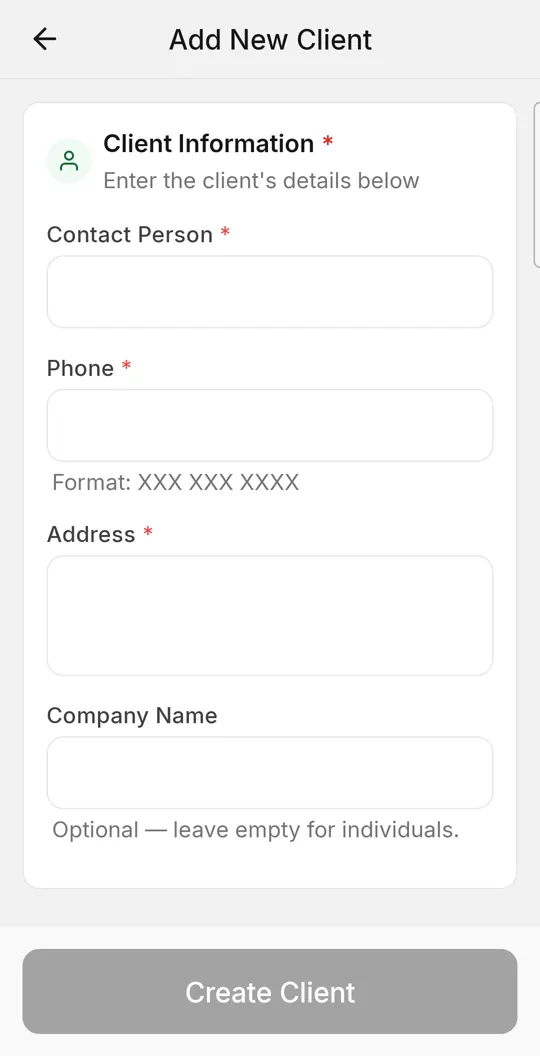
Tap Add. Enter the contact person, phone and address; the company name is optional, for business customers.
-
Step 3 of 3
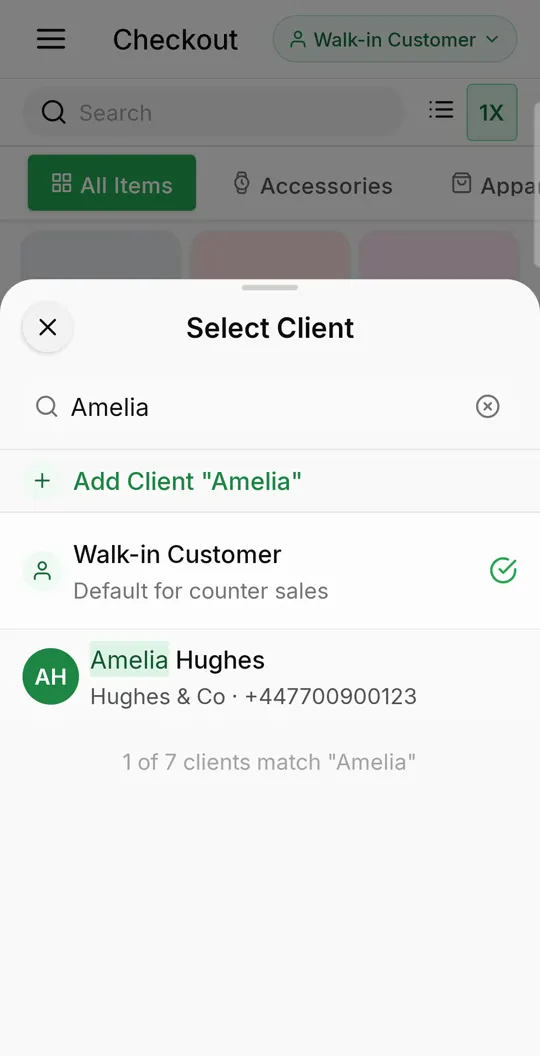
Or add them at the till
At Checkout, tap the customer at the top and Add Client to save a new customer during the sale.