Plans and your subscription
Compare Free, PRO and Grow, pay monthly or yearly through Google Play, and see your current plan.
-
Step 1 of 1
Choose your plan
Open the menu and tap the plan badge next to your shop’s name. Swipe between Free, PRO and Grow, and switch between Monthly and Annual (cheaper over a year). Prices are shown in your country’s currency by Google Play, which handles the payment.
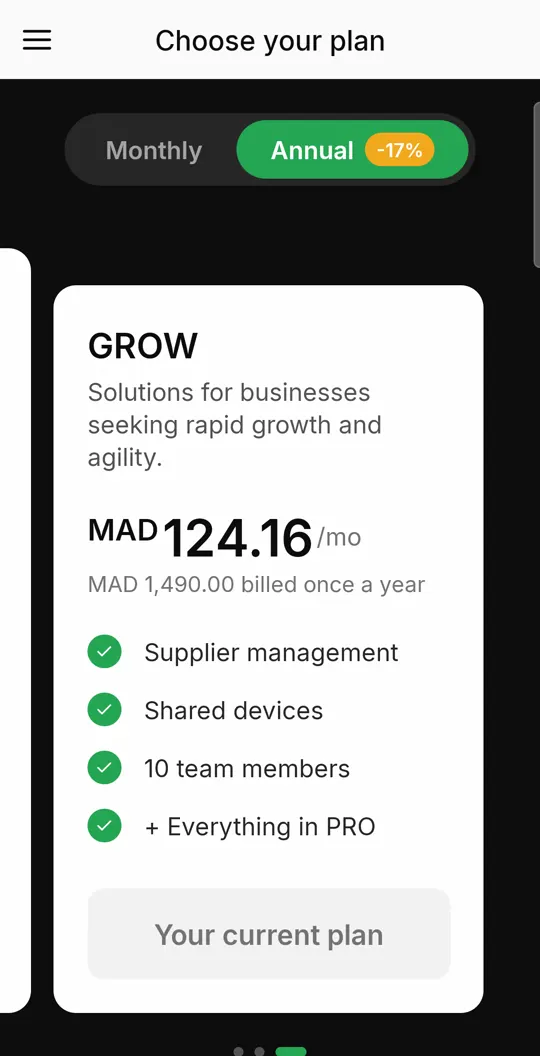
Every new shop starts with 14 days of PRO for free. When it ends the shop moves to the free plan on its own, and nothing is deleted.