Categories and units
Group products into categories and subcategories for the till, and add the units you sell in: piece, box, kilogram, litre.
-
Step 1 of 4
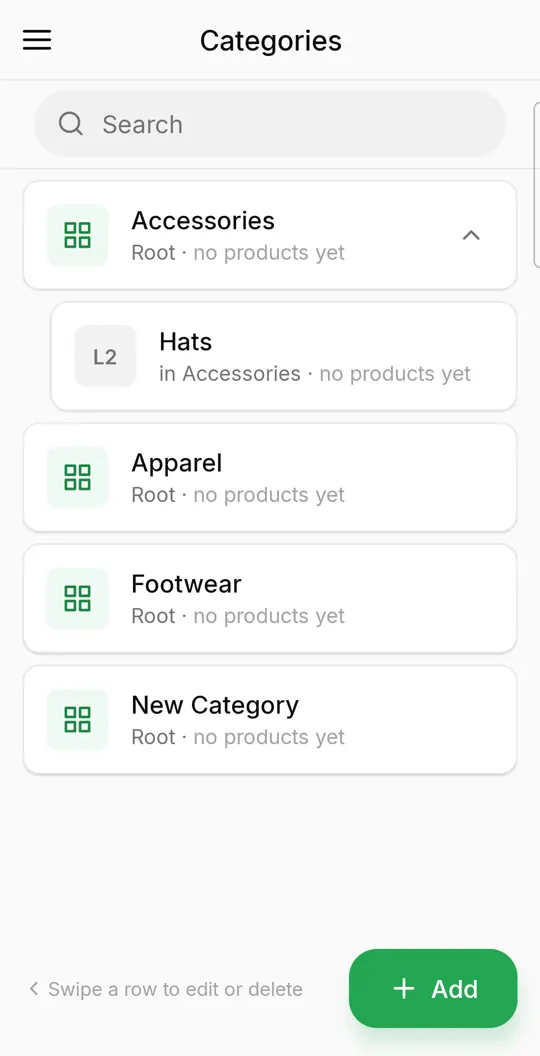
See your categories
Open Categories from the menu. Subcategories sit under their parent. The categories also appear as tabs at the top of Checkout. Tap Add to create one, with an optional parent.
-
Step 2 of 4
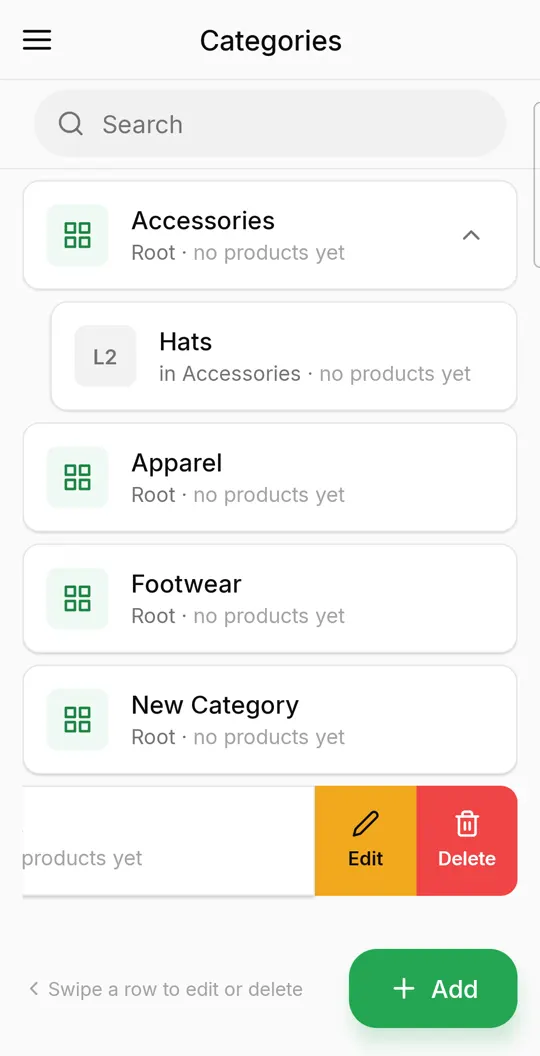
Edit or delete
Swipe a category to the side to show Edit and Delete.
-
Step 3 of 4
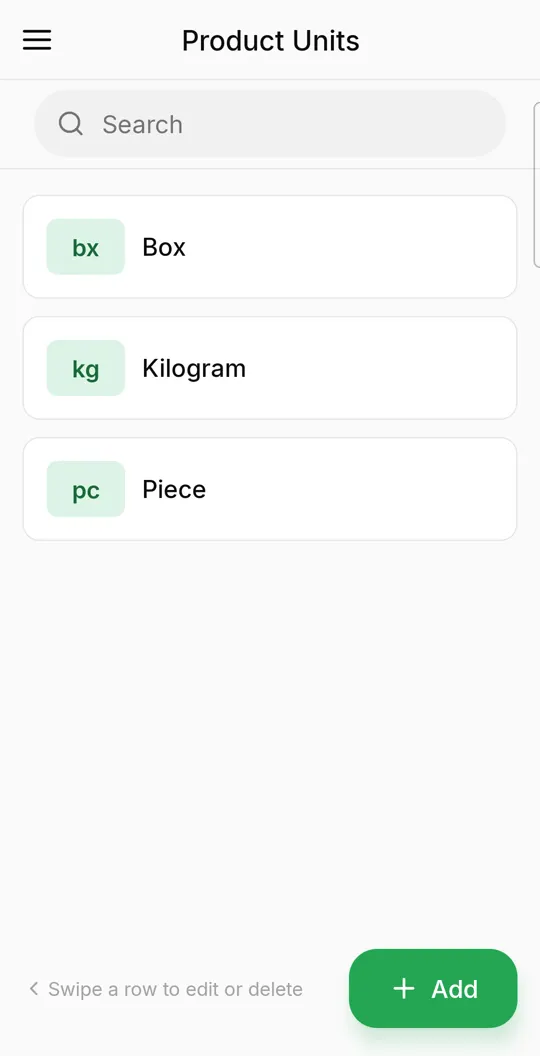
See your units
Open Product Units from the menu to see the units your products can use. Tap Add for a new one.
-
Step 4 of 4
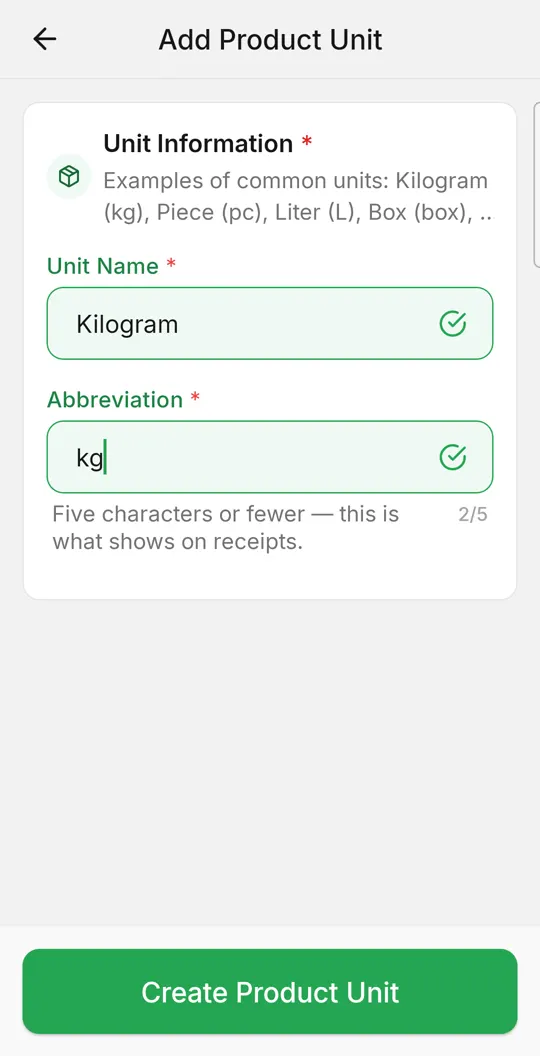
Add a unit
Give it a name and a short abbreviation of five characters or fewer — the abbreviation is what prints on receipts.